Your First MCP Server: A Tutorial That Actually Ends in Production
Most MCP tutorials stop at 'the server started.' Production starts when an agent calls your tool and someone audits the log on Monday.
Most MCP tutorials stop at "the server started." Production starts when an agent calls your tool, gets structured data back, and someone audits the log on Monday. We're building the second kind.
Here's the thing: your first server should be read-only, single-domain, and boring. Example: expose internal FAQ search or a metrics endpoint. No writes, no admin keys, no "just one delete function." Prove discovery, invocation, error shapes, and auth — then expand.
Steps that count
- Define the capability — one sentence: "search deployed service status"
- Schema first — input/output JSON Schema before code
- Implement handler — validate input, timeout external calls, return typed errors
- Register with host — config entry, least-privilege credentials
- Run five tests — happy path, bad input, timeout, empty result, auth failure
If you can't answer "who called what, when" — you're not done.
MCP is JSON-RPC with manners. The manners are schemas, discovery, and boundaries.
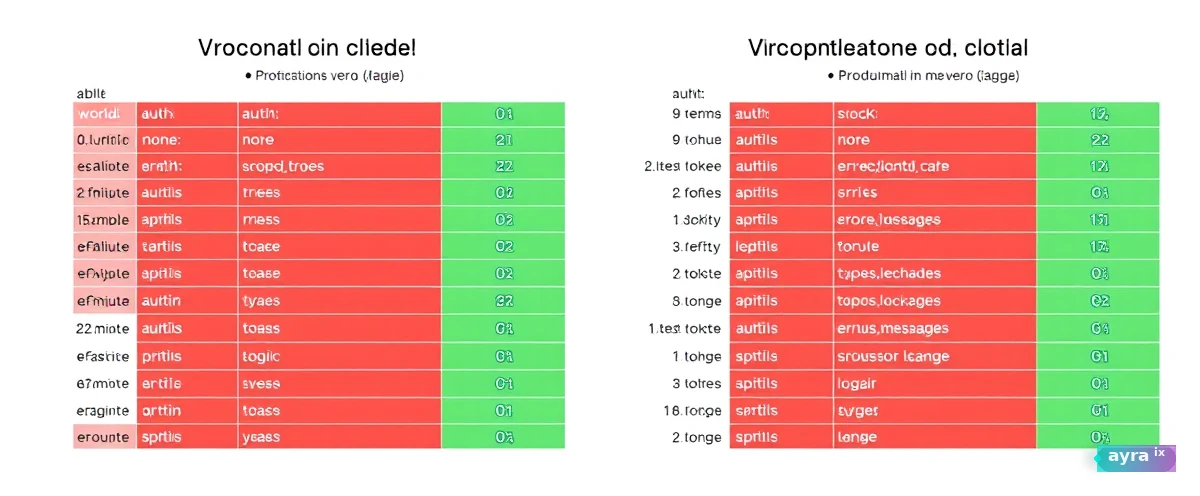
| Hello world | Production ready | |
|---|---|---|
| Auth | None | Scoped tokens |
| Errors | Stack traces | Typed, safe messages |
| Logging | Println | Structured audit |
Choosing your first domain wisely
Don't pick the hardest integration — pick the most-asked read-only question. "What's the status of service X?" "Search the internal wiki." "Lookup customer tier by ID." High call volume, low blast radius, obvious success criteria. You'll learn MCP mechanics without betting the business.

Here's the thing: your first server teaches patterns the tenth server copies. Invest in error shapes, logging, and schema validation now — copy-paste later.
- Input validation — reject malformed JSON before hitting backends
- Timeouts everywhere — external APIs stall; your server shouldn't
- Idempotent reads — retries shouldn't double-charge or double-fetch
- Rate limits — protect downstream systems from enthusiastic agents
Production MCP is 20% protocol and 80% the API hygiene you already knew — you just ignored it in demos.
From tutorial to team standard
Publish an internal template repo: Dockerfile, health check, structured logs, example host config, five tests. Mandate it for server number two. Code review MCP servers like any other service — because that's what they are.
What this means for you: after your first server ships, run a retrospective. What broke? What did the agent misunderstand? Fix schemas and descriptions — tool descriptions are UX copy for models. Bad descriptions cause bad calls more often than bad code.
If server two takes longer than server one, your template failed. Fix the template.
Local dev vs. production transport
Stdio is perfect for laptop dev; production usually needs network transport with TLS and auth. Plan the migration before demo day — swapping transport shouldn't rewrite business logic. Keep handlers transport-agnostic from day one.
What this means for you: containerize early. Same image from dev to staging to prod. MCP servers that only run on one engineer's PATH don't scale to the team.
Documentation agents will read
Tool descriptions are prompts. Write them like API docs — parameters, examples, failure modes. Vague "search stuff" descriptions produce vague tool calls and angry users on Monday.
What this means for you: review descriptions in PR. Test by asking the host "what does this tool do?" before merge. Description quality is interface design.
Your second MCP server proves whether you built a pattern or a one-off hack.
What this means for you: template everything from server one — Dockerfile, tests, logging, host config.
Security review checklist
Before prod: scoped credentials, no secrets in env committed to git, rate limits, input size caps, structured audit logs. Security signs the checklist, not the tutorial README. MCP is an API surface — treat review like any external-facing endpoint.
Record a five-minute screen capture of your server: discovery, invoke, log line. Onboarding beats documentation nobody reads. New hires ship server two faster when they can replay the golden path.
Server two is the real test
Your first server was never the point — it was the excuse to build a template worth copying. What this means for you: if server two takes longer than server one, the template failed, not the engineer. Fix the Dockerfile, the five tests, and the logging pattern before anyone builds server three on top of a shortcut.
Here's the thing: one read-only tool with a boring, well-typed schema beats a catalog of half-finished capabilities every time. Prove discovery, auth, and error shapes on something low-stakes, then let the pattern — not the enthusiasm — do the scaling.
If server two takes longer than server one, your template failed. Fix the template.
Your move: After you deploy your first MCP server, run a production audit: log every tool call for a week, review which ones your agents actually used, and prune anything that was never invoked. The servers that survive are the ones an agent discovered naturally — not the ones you dreamed up in a planning doc.
Quick check — did this stick?
Question 1 of 3Keep exploring on ayraix.com
- Expense Summarizer TOOL
- Contract Redliner TOOL
- Legal Document Scanner TOOL
Stay with us · explain
What is your first step when building an MCP server?
Based on this tutorial, what do you think should be the first action when starting to build your MCP server?
No account needed — pick a take, then keep reading. We rotate these prompts so each piece feels like a conversation, not a clone.